Microsoft certification
AB-620: Copilot Studio agent solutions
Designing and Building Integrated AI Agent Solutions in Copilot Studio
Who this exam is for
As a candidate for this Microsoft Certification, you’re a professional developer or advanced builder who builds, extends, and integrates custom agents for enterprise-grade solutions. You typically work as an IT application developer, consultant, or independent software vendor (ISV) partner focused on creating scalable AI solutions for organizations or customers.

Start here
AB-620 Exam Orientation: Skills, Scoring & Study Path
Prepare for Microsoft AB-620 with a clear orientation to the AI Agent Builder Associate exam: skill domains, scaled scoring, exam-day checks, and a practical study route.
Watch this videoOfficial scope
Skills measured
Objective names and displayed ranges come from the reviewed Microsoft source. Verify the official guide while planning study.
- Plan and configure agent solutions30–35%
- Integrate and extend agents in Copilot Studio40–45%
- Test and manage agents20–25%
Learn your way
Study resources
Choose a video, study guide, or available practice resource.
- Narrated practice3 public practice videosAvailableOpen resourcePractice series and chapters
- Study guideOfficial Microsoft study guideAvailableOpen resource
AB-620 video library
Orientation
1 video in this group.
AB-620 Exam Orientation: Skills, Scoring & Study Path
Prepare for Microsoft AB-620 with a clear orientation to the AI Agent Builder Associate exam: skill domains, scaled scoring, exam-day checks, and a practical study route.
Watch video
AB-620 video library
Practice videos
3 videos in this group.

AB-620 Full Practice Exam Part 1: Copilot Studio Agent Builder
Prepare for the AB-620 Microsoft Copilot Studio Agent Builder exam with this full Part 1 WebLizard Cert Lab practice exam covering Questions 1–30.
Watch video
AB-620 Full Practice Exam Part 2: Copilot Studio Agent Builder
Prepare for the AB-620 Microsoft Copilot Studio Agent Builder exam with this full Part 2 WebLizard Cert Lab practice exam covering Questions 31–60.
Watch video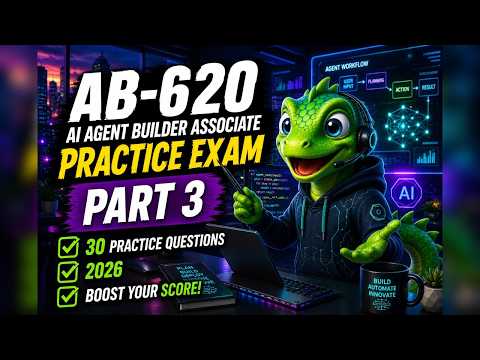
AB-620 Full Practice Exam Part 3: Copilot Studio Agent Builder
Prepare for the AB-620 Microsoft Copilot Studio Agent Builder exam with this full Part 3 WebLizard Cert Lab practice exam covering Questions 61–90.
Watch video
AB-620 video library
Topic lessons
14 videos in this group.

AB-620 Adaptive Cards in Copilot Studio
Learn how Adaptive Cards work in Microsoft Copilot Studio for AB-620 scenarios. This lesson explains how cards turn a flexible conversation into structured inputs, variables, branching logic, confirmations, and business actions.
Watch video
AB-620 Variables in Copilot Studio: Remember, Branch, Pass & Act
Learn how variables work in Microsoft Copilot Studio for the AB-620 AI Agent Builder Associate exam. This lesson shows how user input becomes named values that agents can remember, reuse, branch on, pass into flows/connectors/HTTP requests, and use to return useful results.
Watch video
AB-620 Copilot Studio Actions: Connectors, APIs & Authentication
Learn how Actions and Tools work in Microsoft Copilot Studio for the AB-620 AI Agent Builder Associate exam. This lesson explains when to use connector tools, custom connectors, REST API tools, agent flows, and the HTTP request node — plus how authentication, inputs, outputs, and error handling affect the right design choice.
Watch video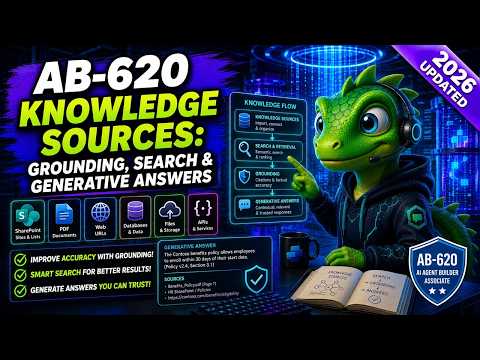
AB-620 Copilot Studio Knowledge Sources: Grounding, Search & Generative Answers
Learn how to choose the right Copilot Studio knowledge-source pattern for AB-620: Copilot connectors, real-time connector knowledge, Azure AI Search, generative answers nodes, custom data, no-answer fallback, and custom instructions.
Watch video
AB-620 Copilot Studio Authentication: Identity & Security Boundaries
Learn how authentication, identity, and security boundaries work in Microsoft Copilot Studio for the AB-620 AI Agent Builder Associate exam. This lesson explains user-provided vs maker-provided credentials, REST API authentication, HTTP request node secrets, MCP authentication, Allow all governance, and connected-agent data boundaries.
Watch video
AB-620 Copilot Studio MCP Servers: Tools, Auth & Governance
Learn how MCP servers work in Microsoft Copilot Studio for the AB-620 AI Agent Builder Associate exam. This lesson explains when to use a centrally governed MCP server, how Copilot Studio routes to server-owned tool descriptions, and how authentication, OAuth subtypes, Allow all, and least privilege affect the right design choice.
Watch video
AB-620 A2A Agent-to-Agent Communication in Copilot Studio
Learn when to use Agent2Agent (A2A) in Microsoft Copilot Studio for the AB-620 AI Agent Builder Associate exam. This lesson explains the difference between connectors, MCP servers, and A2A delegation using a Fabrikam and Northwind shipment scenario.
Watch video
AB-620 Copilot Studio Multi-Agent Design: Child vs Connected Agents
Learn how to choose between child agents, connected agents, A2A, MCP, and connectors in Microsoft Copilot Studio for the AB-620 AI Agent Builder Associate exam.
Watch video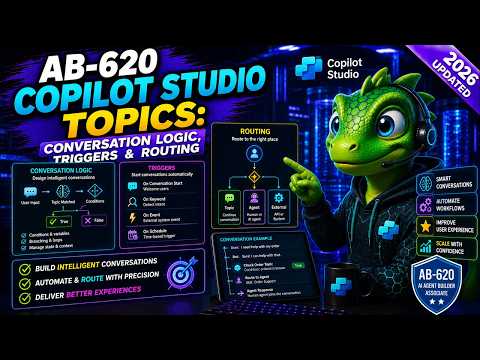
AB-620 Copilot Studio Topics: Triggers, Conditions, and Routing
Learn how Topics work in Microsoft Copilot Studio for the AB-620 AI Agent Builder Associate exam. This lesson explains trigger phrases, authored conversation paths, topic variables, conditions, routing, tools, fallback, and escalation using one order-help scenario.
Watch video
AB-620 Child Agents in Copilot Studio
Learn how to use dedicated child agents in Microsoft Copilot Studio for the AB-620 AI Agent Builder Associate exam. This lesson explains when child agents fit better than connected agents, how a parent agent delegates work, and how inputs, outputs, descriptions, tools, knowledge, and testing fit together.
Watch video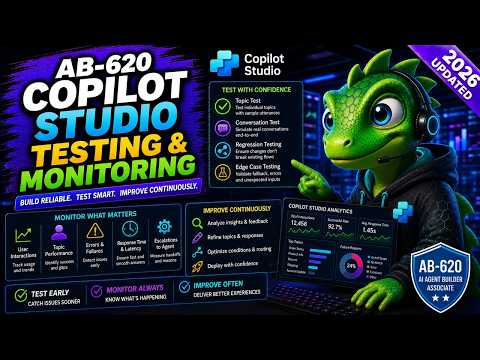
AB-620 Copilot Studio Testing & Monitoring: Test, Trace, Telemetry & ALM
Learn how to test, trace, monitor, and safely improve Microsoft Copilot Studio agents for the AB-620 AI Agent Builder Associate exam.
Watch video
AB-620 Agent Flows in Copilot Studio: Inputs, Outputs, Approvals & Errors
Learn how Agent Flows work in Microsoft Copilot Studio for the AB-620 AI Agent Builder Associate exam: when to use them, how topics pass inputs, how outputs route the next response, and how approvals, the 100-second boundary, monitoring, and error handling change the design.
Watch video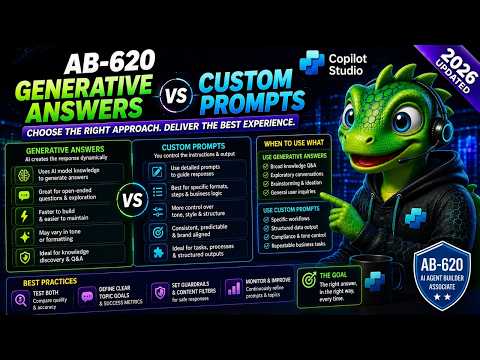
AB-620 Generative Answers vs Custom Prompts in Copilot Studio
Learn how to choose between Generative Answers, Custom Instructions, Custom Prompts, HTTP nodes, tools, and Agent Flows in Microsoft Copilot Studio for AB-620.
Watch video
AB-620 Computer Use Agents: UI Automation, Security & Monitoring
AB-620 exam course video: Computer Use Agents in Microsoft Copilot Studio. Learn UI automation, execution environments, credentials, testing, safety controls, recovery, and monitoring.
Watch video